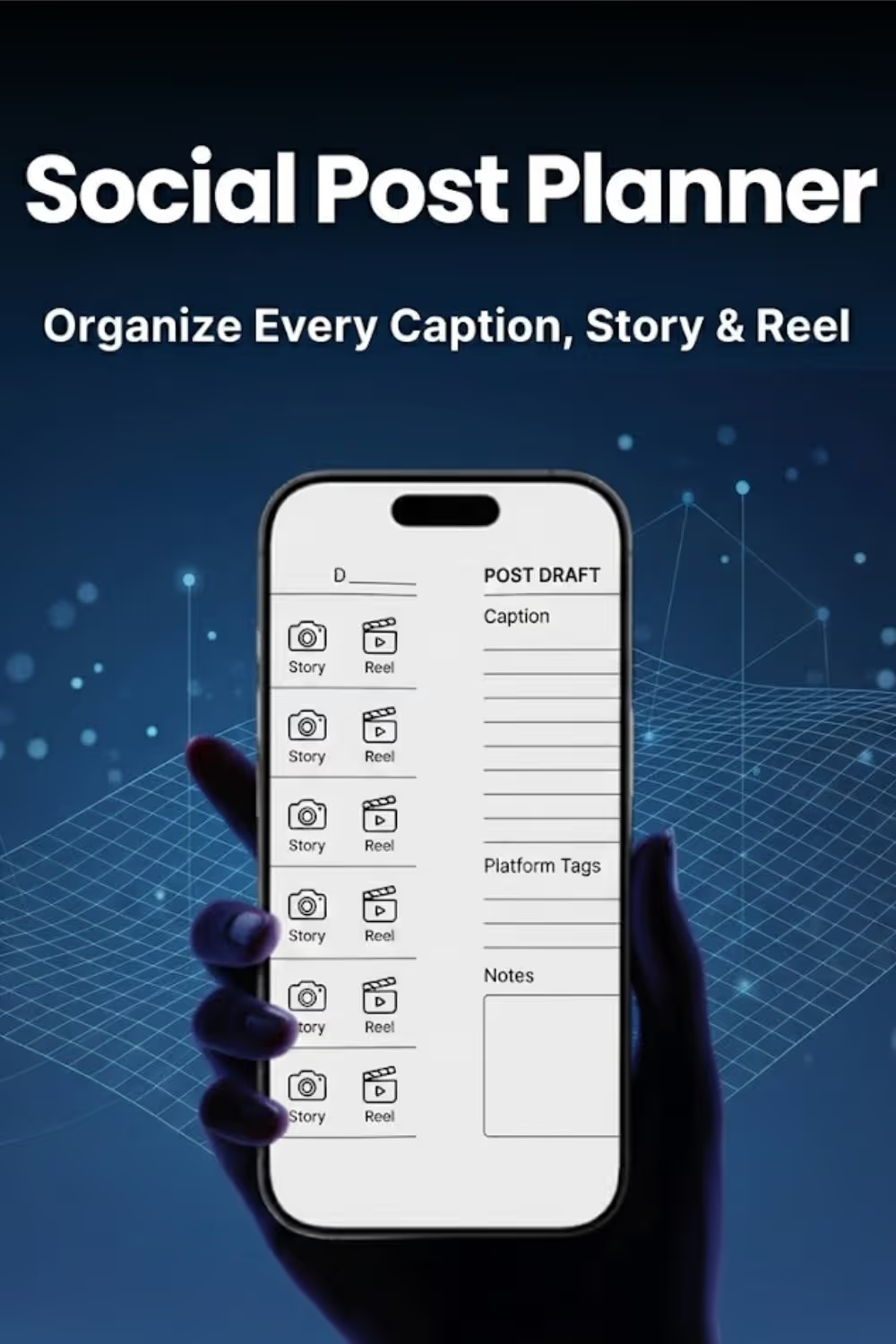
The core of your workflow is a seven-row grid that tracks platforms, captions, visuals, and status. It’s a complete bird's-eye view of your week in one place.
Don't just post—get discovered. Use the categorized hashtag strategy pages to organize your tags by niche, making them easy to grab and go for every post.
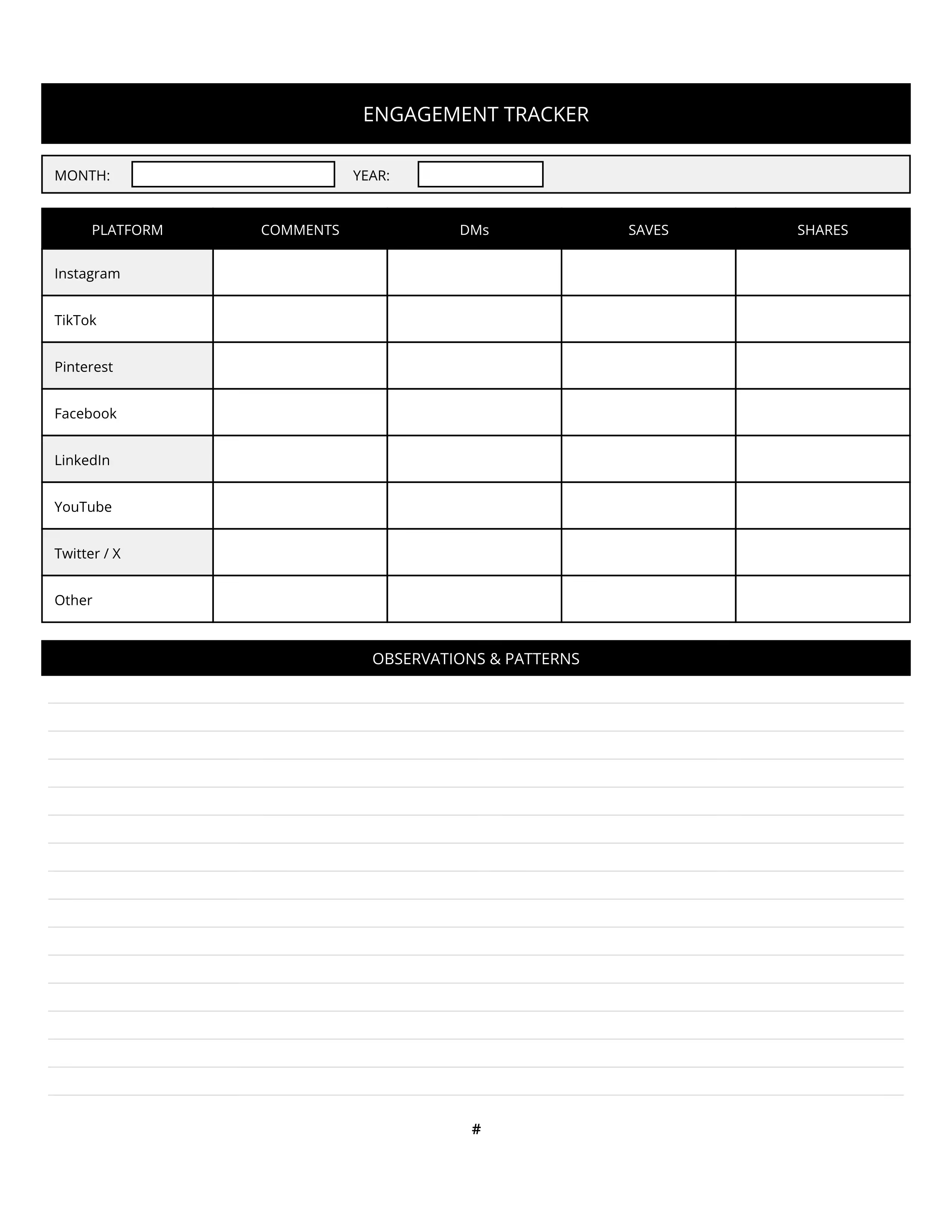
Beyond the likes, true growth happens in the DMs and comments. The engagement tracker ensures you’re monitoring the conversations that matter most to your brand.
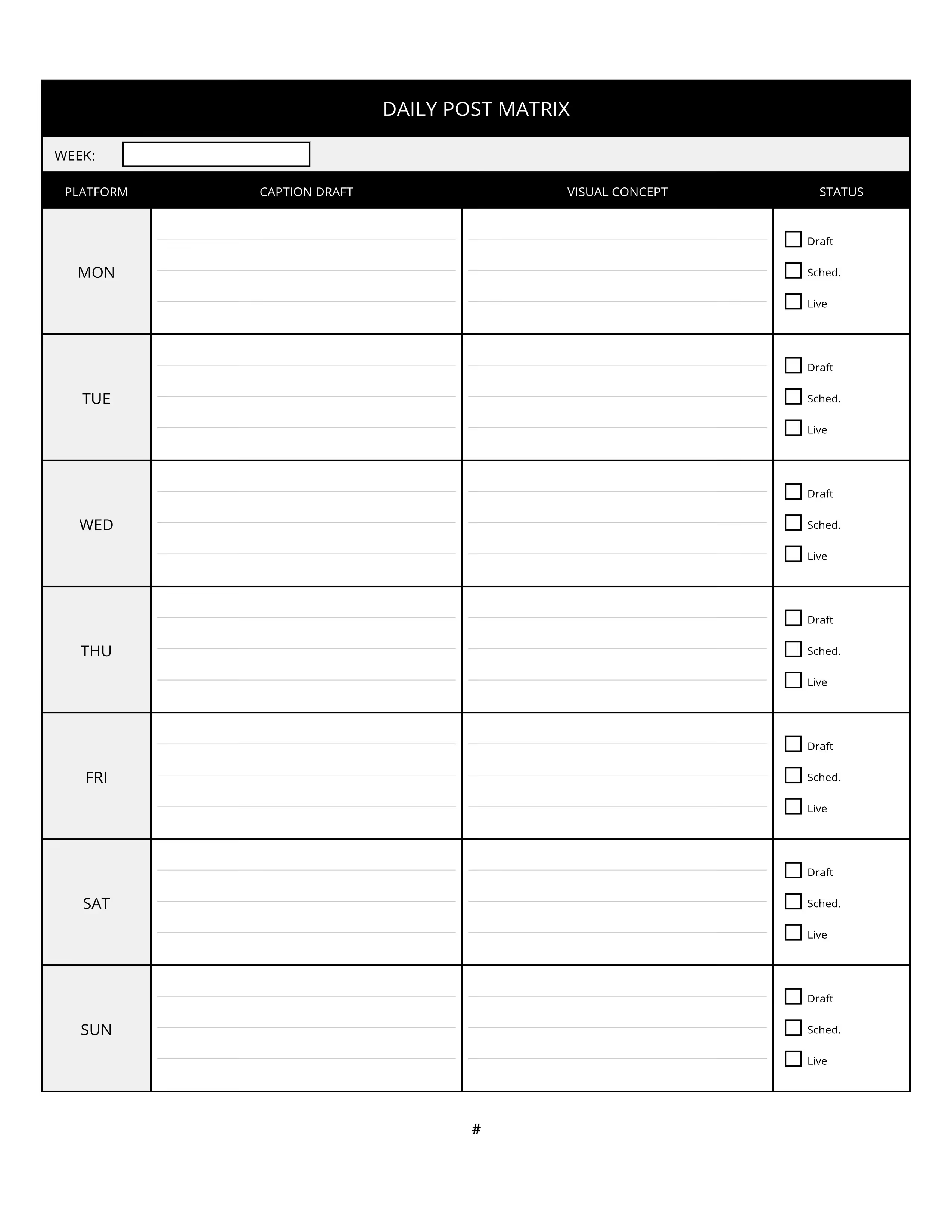
Daily post matrix covering platform, caption, visual concept, and status.
Weekly planning headers for themes, campaigns, and key dates.

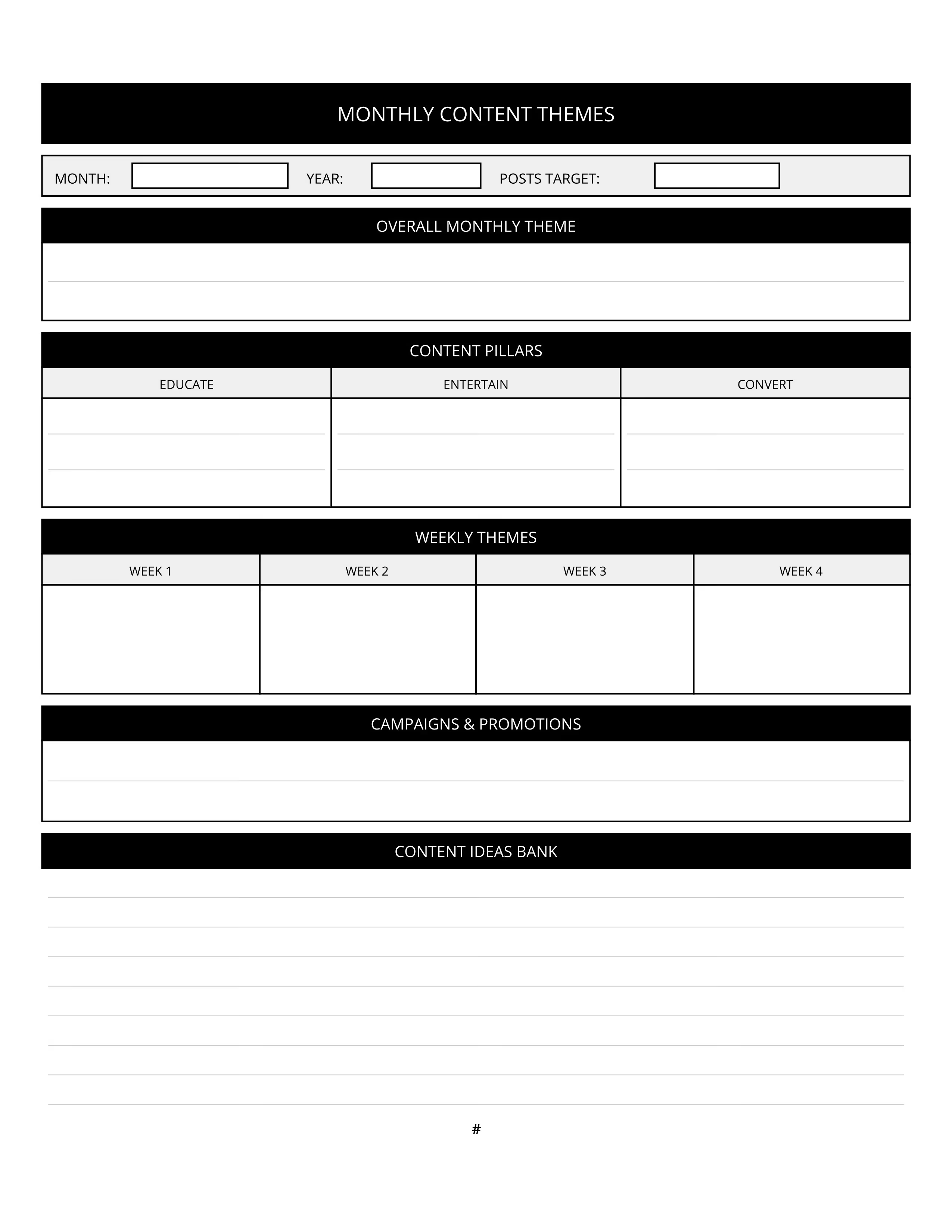
Content theme overview to align long-term strategy.
Engagement trackers and categorized hashtag strategy pages.
Welcome to the Social Media Posting Planner — a nine-month, week-by-week system for virtual assistants, freelance social media managers, and brand owners who manage content across multiple platforms and need one organized place to plan captions, track engagement, and manage their hashtag strategy. If you are responsible for keeping multiple accounts active, consistent, and growing, this planner is built for the way you actually work.
Each month begins with three reference pages before any weekly planning starts. The Monthly Content Themes page is where you set the strategic foundation for the entire month. Write in your overall theme, define your three content pillars — Educate, Entertain, and Convert — and assign a specific focus to each of the four weeks. Add any campaigns or promotions running during the month, then use the content ideas bank at the bottom to capture raw ideas before they disappear. Completing this page at the start of each month means every post you plan flows from a clear creative direction rather than a last-minute scramble.
The Hashtag Strategy page follows. Organized into six labeled boxes — Niche Hashtags, Broad Discovery, Community Hashtags, Trending Hashtags, Branded Hashtags, and a Banned or Avoid list — this page gives you a reusable reference for every post you write during the month. Fill it in once at the beginning of the month, then pull from it as you draft captions during your weekly sessions. Updating this page monthly keeps your hashtag sets fresh and prevents you from reaching for the same overused tags by habit.
The Engagement Tracker rounds out the monthly reference section. Log your results for each active platform — Comments, DMs, Saves, and Shares — then use the observations section at the bottom to note patterns, spikes, or drops that tell you something worth acting on. Review this page at the end of each month alongside your next month's content themes page to make sure your strategy is responding to what the data is telling you.
After the three monthly reference pages, the rest of each month is structured into four weekly blocks. Each weekly block opens with a Weekly Planning Header. Use this page to name the week's theme, mark any key dates or events that should influence your content, list your top content priorities for the week, and write a single clear goal. The goal field is intentionally simple — one sentence describing what you most want this week's content to accomplish. Having that focus visible on the page makes every caption decision that follows easier.
The Daily Post Matrix follows immediately after the planning header. This table gives you a row for every day of the week — Monday through Sunday — with four columns: Platform, Caption Draft, Visual Concept, and Status. In the Platform column, write which account or platform a post is going out on that day. Use the Caption Draft column to write or outline the actual caption copy. Visual Concept captures your idea for the image, video, or graphic. The Status column includes three checkboxes — Draft, Scheduled, and Live — so you can mark each post's progress without opening your scheduling tool. Work through the full week in one sitting whenever possible. Batching your caption writing into one or two focused sessions per week is the habit that keeps a multi-platform posting schedule sustainable long-term.
Each month closes with a notes page for any mid-month ideas, client feedback, voice notes to transcribe, or content angles worth saving for next month.
The final six pages of the planner are additional lined notes pages. Use them for broader strategy notes, client briefing details, content audits, or any planning that does not fit inside a specific week's pages.
Nine months of weekly planning, all in one place.